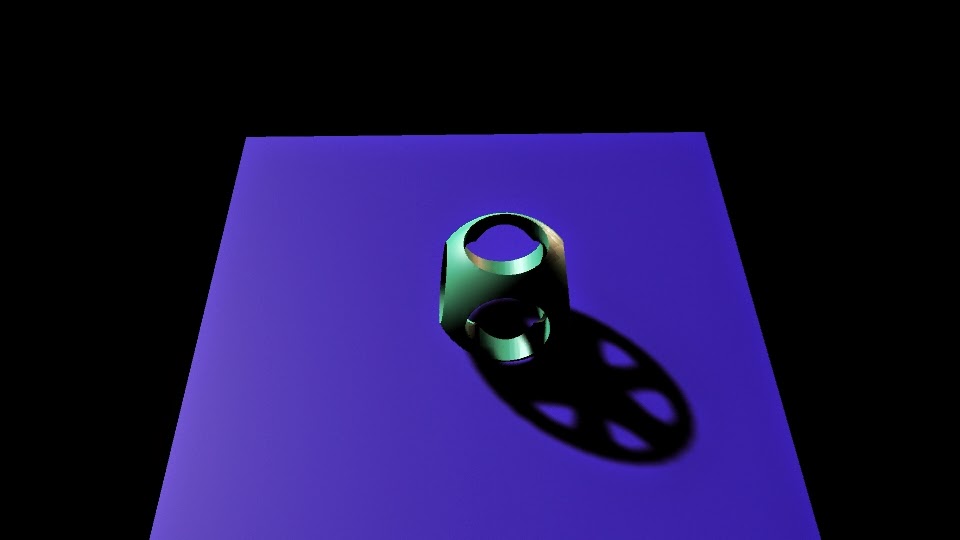
Polything
This is the polishing. With this project, we practiced booleans, creating holes in the rounded cube. We also worked with lights and shadows. First, we made a cube, and rounded its edges. Then we made two cylinders and booleaned them out so that it had holes it it. We made a plane on the ground. Then we added a subject light at an angle.
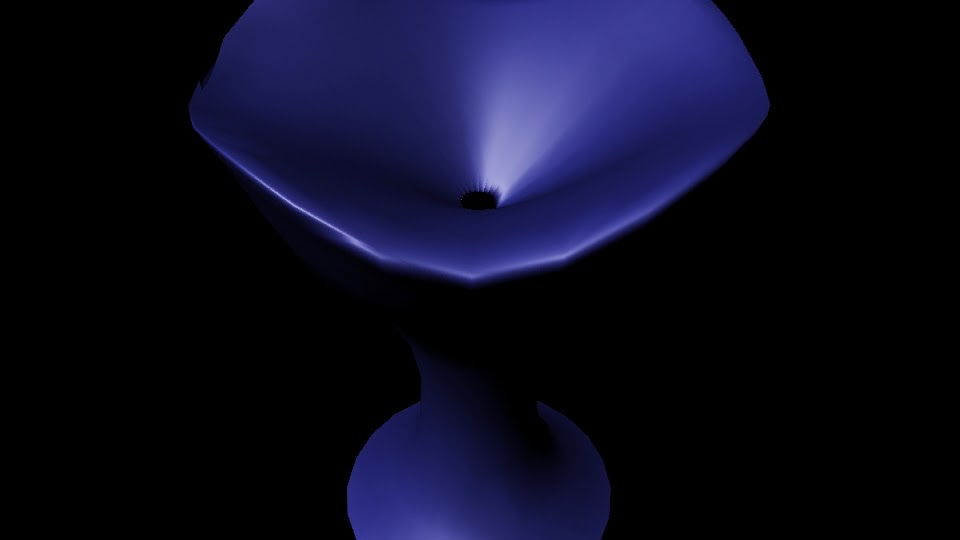
Revolve Cup
In this project we used the polygon creator, and edited vertices and NURBS. We started with the create nurb tool. Then we created the cup and applied a texture, then added lights.

Bounce
We animated with maya in this project. We had to use timing to see when the balls would bounce up and down; we started with a video of each ball bouncing. Then we made the two planes, and three balls of different sizes. We added the textures and pulled everything together. We rendered out and pulled them into aftereffects to render the movie.
Hammer and Nail
In this project we had to make a hammer and nail. We used extrude and vertex editing. We starred with a single rectangular prism. We extruded the front and back of the head to make it look more like a hammer. On the back we edited vertices to make it look real. We applied textures and added a light, then rendered the image.
Ice Cream
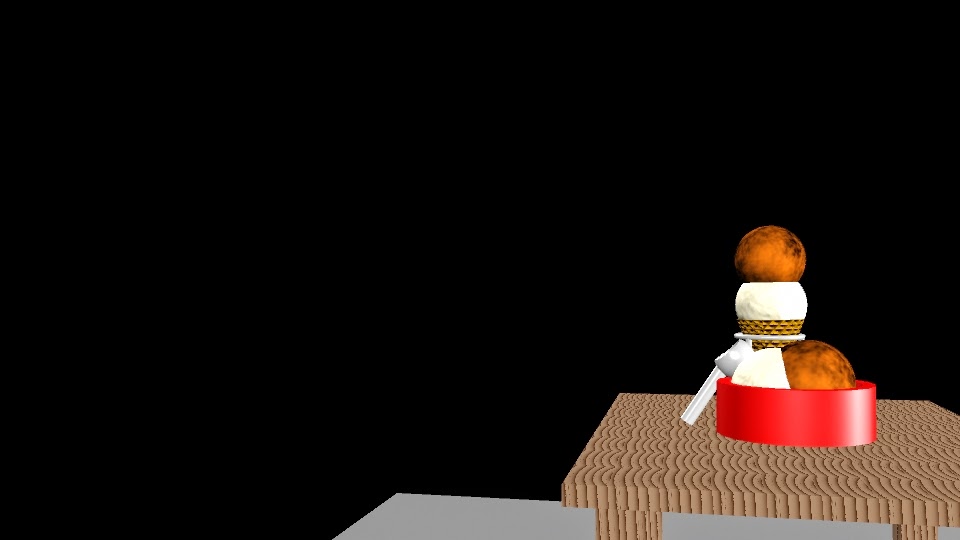
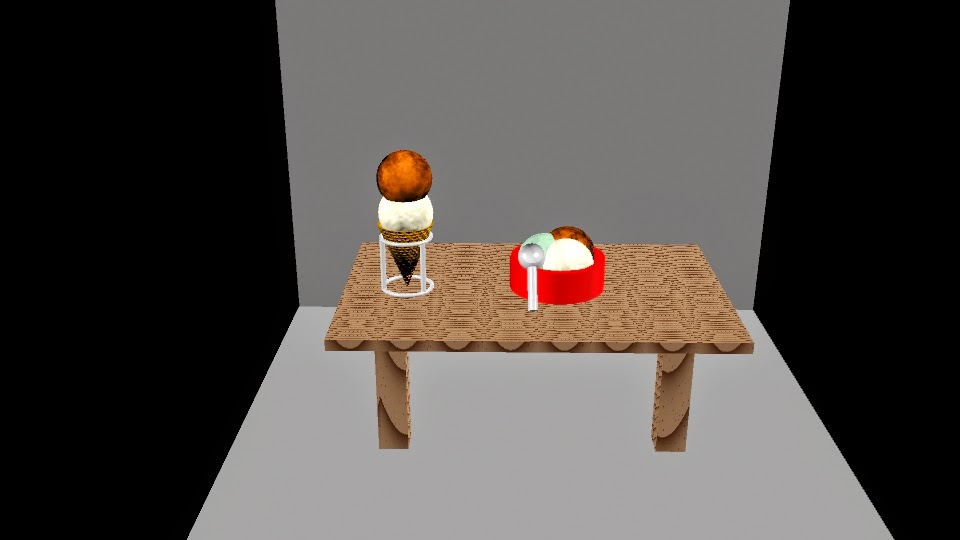
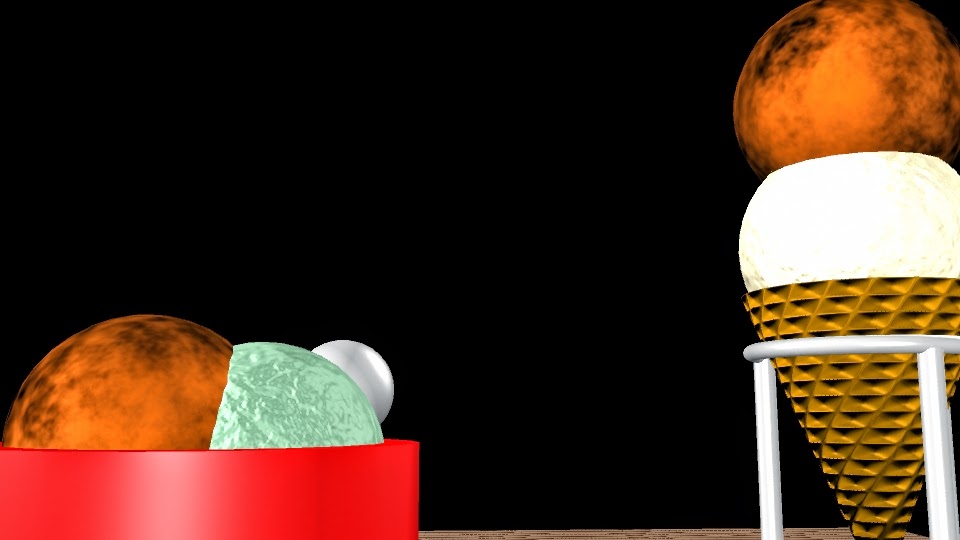
We made Ice cream, a cone and its holder, a bowl, a scoop, and a table. we used a lot of textures and lighting. We had to use about three different types of textures. We started with just the table, but then continued from there. The bowl is a cylinder with boolean difference. The scoop is a cylinder and a sphere with boolean difference. The cone is a cone with boolean difference. The ice cream scoops are all spheres. The holder is two rings, and three cylinders. The table is four rectangular prisms. We had to make two planes as the back ground. The textures include wood for the table, cloud for the ice cream, a simple phong for the holder and scoop, and a lambert for the bowl
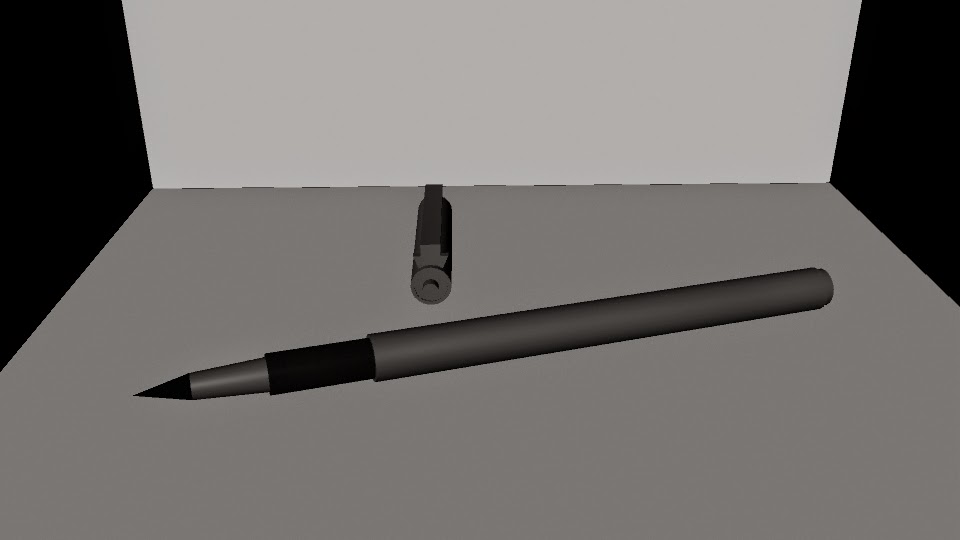
Pen
For our final we had to model a pen or pencil. I picked my felt lining pen. We used a lot of combining in this. First, we started with a cylinder. Then we added onto it with each shape of the pen. I used three cylinders, a cone, and a rectangular prism. The hardest part was the cap, because of the clip.
Sprinkle Shaker
We had to model out a salt shaker (or another type of dispenser) in this. A lot of it was editing vertices and sections of the polygon- aka lofting. I made a sprinkle shaker. We started with a circle curve. We selected four of the vertices and pulled them in a little. After that we made a few more of the curves, scaling each differently. Then we made the cap. It was a half sphere. We had to difference cylinders from it for the holes. After that was done We took the curve circles and lofted them. Then we took that polygon it created and duplicated it, scaling the second one down. The first one has a semi-transparent texture to resemble glass. The second one has a sprinkle texture. The cap has a phong grey.