
Showing posts with label tutorial. Show all posts
Showing posts with label tutorial. Show all posts
Friday, April 10, 2015
Custom type

Thursday, October 23, 2014
Spheres


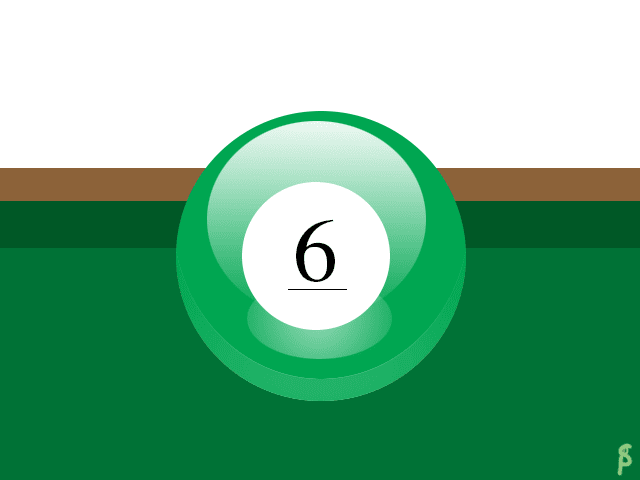 This is my PS tutorial ball. I did a Billiard ball. One part I had trouble with the shine just below the number. I solved it by, instead of feathering, making a gradient white circle and making it transparent. To make it my own, I made the ball green, with the classic 6 instead of the black 8 in the tutorial. Tutorial link.
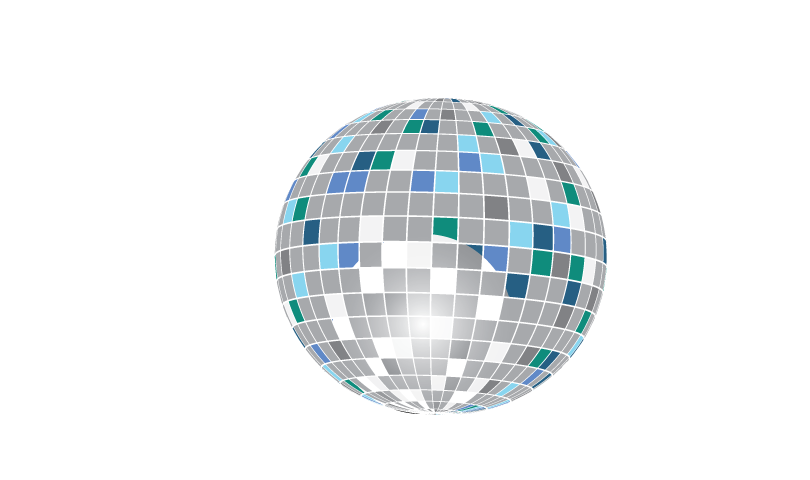 This is my AI tutorial ball. It is a disco ball. I didn't really have any troubles with it. I used a few different colors of blues for the coloring, and a gradient white & black screen circle to make that shine, though it did not turn out well. Tutorial Link.
Subscribe to:
Posts (Atom)